Asset Positioning Device
A device attached to tools and equipment on construction sites and in factories to track their location.
- Accelerometer sensor
- Positioning via UWB
- Transmits data to Anchors via UWB
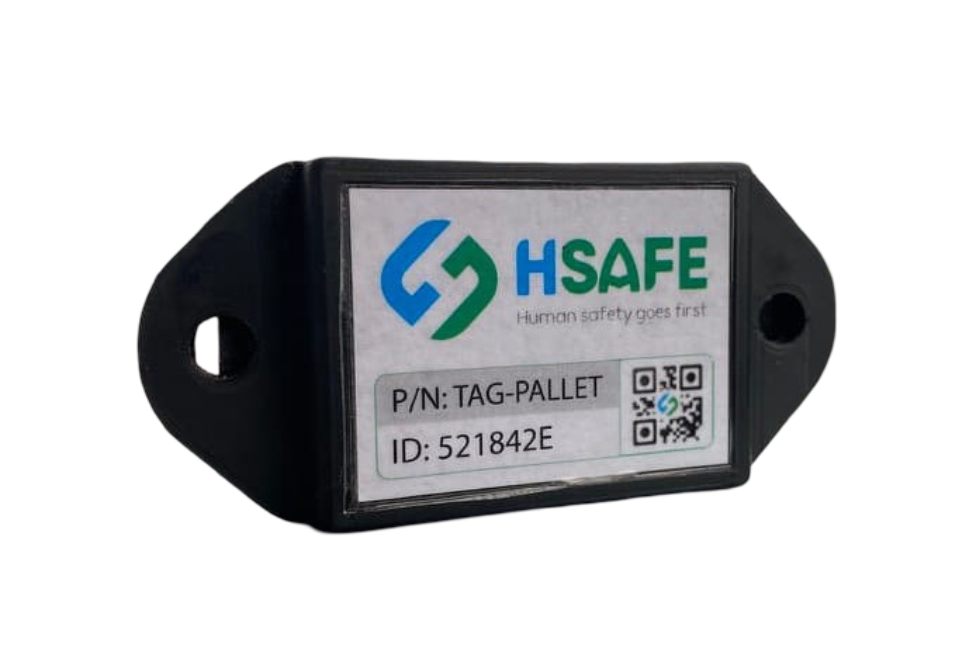
A device attached to tools and equipment on construction sites and in factories to track their location.
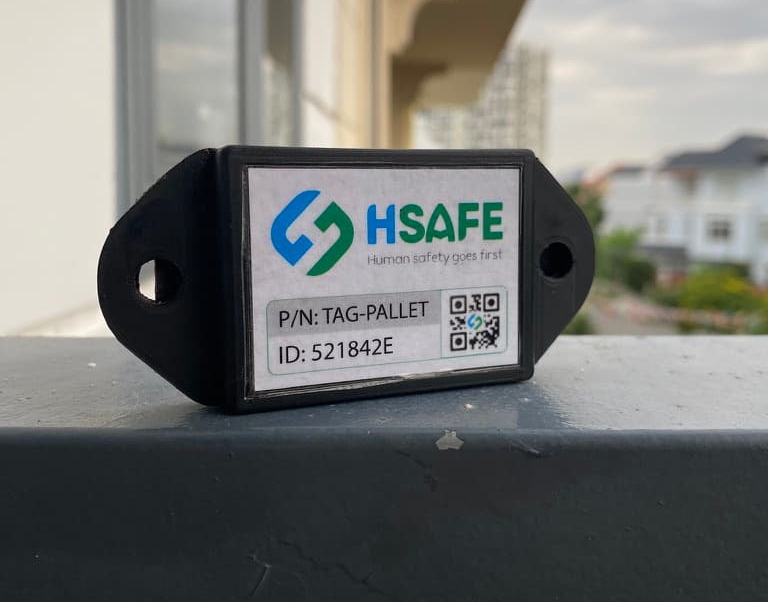
The HSafe Asset Tag features a rugged design optimized for harsh construction environments. The housing is made of high-grade industrial plastic with an electrostatic powder-coated surface for corrosion resistance.
| Parameter | Value / Description |
|---|---|
| Positioning Technology | Ultra-Wideband (UWB) – IEEE 802.15.4 |
| Positioning Accuracy | ±10 ~ 30 cm (depending on environment and deployment) |
| UWB Frequency Band | 3.1 – 10.6 GHz (channel depends on regional regulations) |
| Power Supply | 3.7V 2500mAh lithium battery |
| UWB Range | Up to 250 meters (depending on deployment and obstacles) |
| Operating Temperature | -20°C ~ +60°C (industrial version: -40°C ~ +70°C) |
| Protection Rating | IP67 |
| Housing Material | High-grade gray plastic |
| Charging Time | 60 minutes |
| Operating Time | Up to 2 years |
| Dimensions (approx.) | ≈ 50 × 330 × 10 mm |
| Weight | ≈ 50 grams |
| Positioning Method | TDoA / TWR / GPS (Time Difference of Arrival / Two-Way Ranging / GPS) |
* Specifications may vary slightly depending on the version. Please contact us for the latest datasheet.
Package Dimensions:
≈ 10 × 5 × 5 cm (without mounting bracket)
Package Weight:
≈ 0.2 kg
If you have any questions, please contact us for support.
Request Consultation